

The Google Play Store is the official digital distribution platform developed by Google for Android devices. It acts as the central hub where users can explore, download, and update apps, games, movies, TV shows, eBooks, audiobooks, and even subscribe to services. Since its launch in 2012, the Play Store has become the most trusted marketplace for Android users, with billions of downloads every year. Whether you’re looking for productivity tools, entertainment apps, or premium gaming experiences, Google Play Store offers a safe and convenient environment backed by Google’s security and reliability.
Why Google Play Store Matters for Android Users
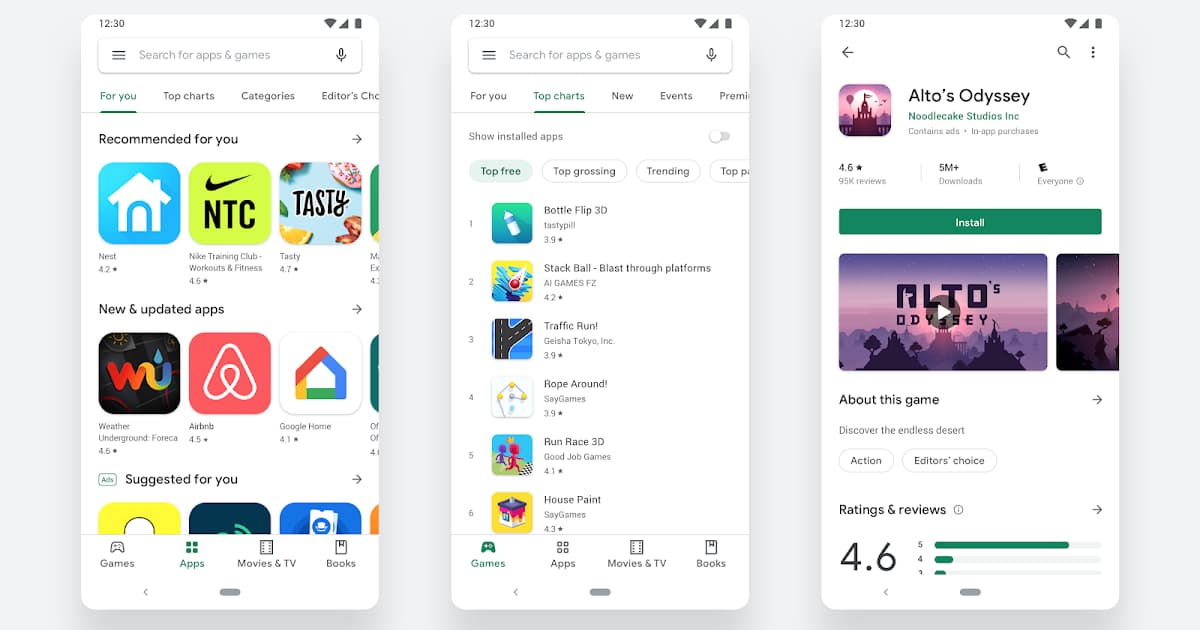
For anyone using an Android smartphone, tablet, or even a Chromebook, the Google Play Store is essential. Unlike third-party platforms, it ensures that the apps you download are scanned for malware, regularly updated, and supported by verified developers. This guarantees both safety and performance.
Here’s why it is indispensable:
-
Access to millions of apps and games across every category.
-
One account for all services – your Google account works seamlessly.
-
Safe and secure environment with Google Play Protect.
-
Integrated payment system supporting cards, PayPal, carrier billing, and gift cards.
-
Cross-device synchronization so you can install apps on multiple devices.
Why Google Play Store Matters for Android Users
Key Features of Google Play Store
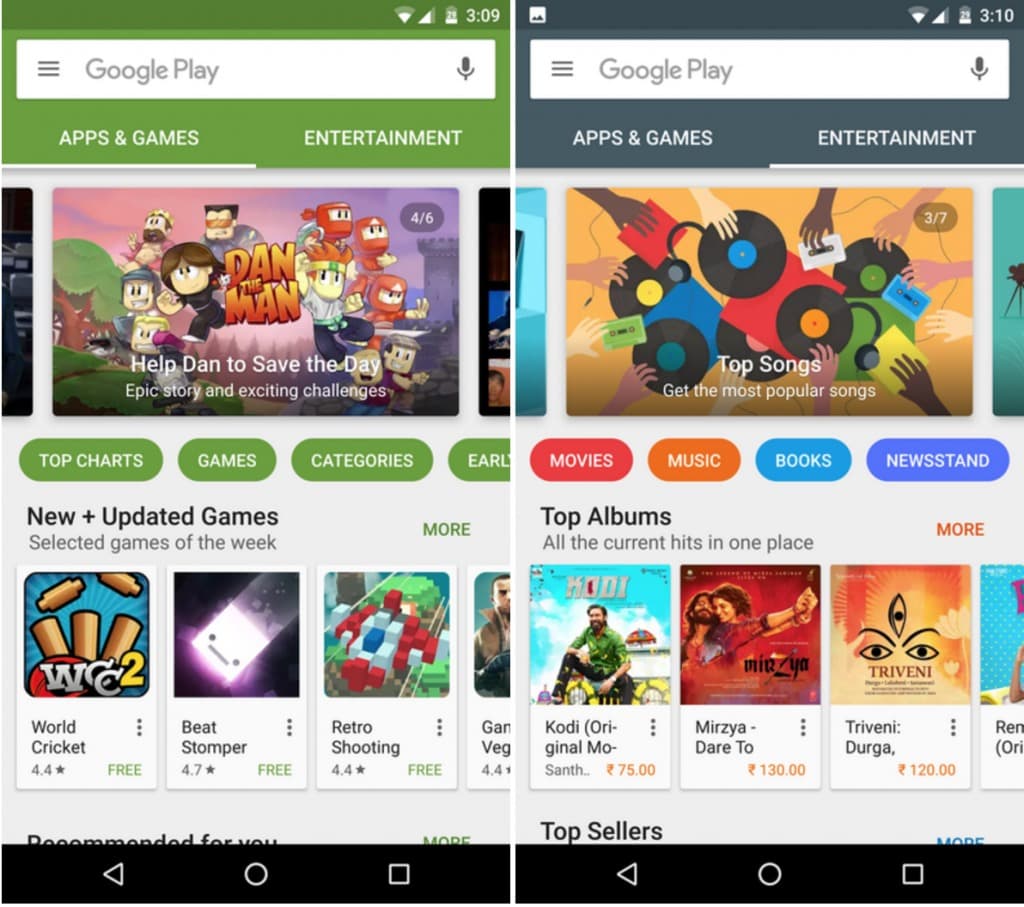
The platform has evolved far beyond being just an app marketplace. Some of the standout features include:
1. Apps and Games
With millions of applications, you can find everything from social media and fitness apps to educational platforms and productivity tools. The gaming section is one of the most popular, offering both free-to-play and premium titles.
2. Google Play Books
This feature allows you to buy and read eBooks and audiobooks. You can sync your reading progress across devices, making it convenient to continue where you left off.
3. Google Play Movies & TV
Although transitioning into Google TV, this section still allows you to rent or purchase movies and TV shows. It supports HD, 4K, and offline playback.
4. Google Play Music (Legacy)
Previously, Play Music allowed users to purchase and stream music. Today, music services have shifted to YouTube Music, but many users still associate the Play Store with music purchases.
5. Google Play Protect
Built-in malware protection scans apps daily to safeguard your device. This gives you peace of mind when downloading new apps.
6. Family Library
You can share purchased apps, games, books, and movies with up to five family members at no extra cost.
7. Subscriptions & In-App Purchases
Many apps on Google Play Store provide subscription models for premium content or tools, all managed in one place for easy tracking.
Key Features of Google Play Store
Benefits of Using Google Play Store
Why should you choose Google Play Store over other options?
-
Trustworthy ecosystem: Every app undergoes security checks.
-
Regular updates: Developers push updates directly via the store.
-
User reviews and ratings: Helps you evaluate apps before downloading.
-
Personalized recommendations: Based on your history and preferences.
-
Cloud backup: Purchased content remains linked to your Google account.
For Android users, it is the most reliable and official marketplace.
How to Download and Use Google Play Store
Most Android devices come pre-installed with Google Play Store. However, if your device doesn’t have it or you accidentally removed it, here’s how you can download and install it:
Step 1: Check Device Compatibility
Ensure your Android version is supported. Most modern devices work seamlessly with Google Play Store.
Step 2: Download the APK (If Not Pre-installed)
-
Visit the official Google Play Store APK page from a trusted source.
-
Download the file onto your device.
-
Enable “Install from Unknown Sources” in your device settings (temporarily).
-
Install the APK.
Step 3: Open and Sign In
Once installed, open Google Play Store and log in with your Google account.
Step 4: Start Browsing and Downloading
-
Use the search bar to find apps or explore categories.
-
Tap Install to download free apps or Buy for paid apps.
-
Accept permissions and wait for installation.
How to Download and Use Google Play Store
Tips for Safe and Effective Use
To maximize your Google Play Store experience, follow these recommendations:
-
Always update apps to ensure better security and performance.
-
Read reviews carefully before downloading.
-
Avoid modded APKs that could harm your device.
-
Manage subscriptions regularly to avoid unnecessary charges.
-
Enable parental controls if kids use your device.
Troubleshooting Common Issues
Even though the Play Store is stable, you may encounter problems:
-
Google Play Store not opening – Clear cache and data from Settings > Apps > Google Play Store.
-
Download pending – Check your internet connection or Google account sync.
-
App not compatible – Ensure your device meets the app’s requirements.
-
Payment issues – Update your payment methods in Google account settings.
Alternatives to Google Play Store
While Google Play Store remains the safest and most comprehensive, some alternatives exist:
-
Amazon Appstore – Popular for Kindle and Fire devices.
-
Samsung Galaxy Store – Exclusive apps for Samsung devices.
-
APKMirror – A trusted source for APK files.
Still, none match the scale and trustworthiness of the official Play Store.
Future of Google Play Store
Google continuously enhances the Play Store with new features like AI-driven recommendations, better subscription management, and improved developer tools. With billions of Android users worldwide, its role as the core ecosystem for apps will only grow stronger.
The Google Play Store is more than just an app marketplace—it’s the gateway to the entire Android digital ecosystem. From millions of apps and games to movies, books, and cloud-backed purchases, it ensures convenience, safety, and reliability. Whether you’re a new Android user or a long-time customer, mastering the Play Store will help you get the most from your device.









