
Introduction to Google
Google has become a daily companion for billions of people worldwide. From quick searches to exploring in-depth information, Google is at the center of how we interact with knowledge online. But beyond its web browser, the Google app is a powerful tool that combines search, artificial intelligence, personalization, and real-time updates into one sleek mobile experience.
Whether you want to identify a flower in your garden, translate a sign in another language, or find the latest updates on your favorite sports team, the Google app makes it effortless. With advanced features like AI Overviews, Google Lens, Hum to Search, and personalized Discover feeds, it takes the idea of “searching” far beyond typing words into a box.
Introduction to Google
Key Features of the Google App
AI Overviews
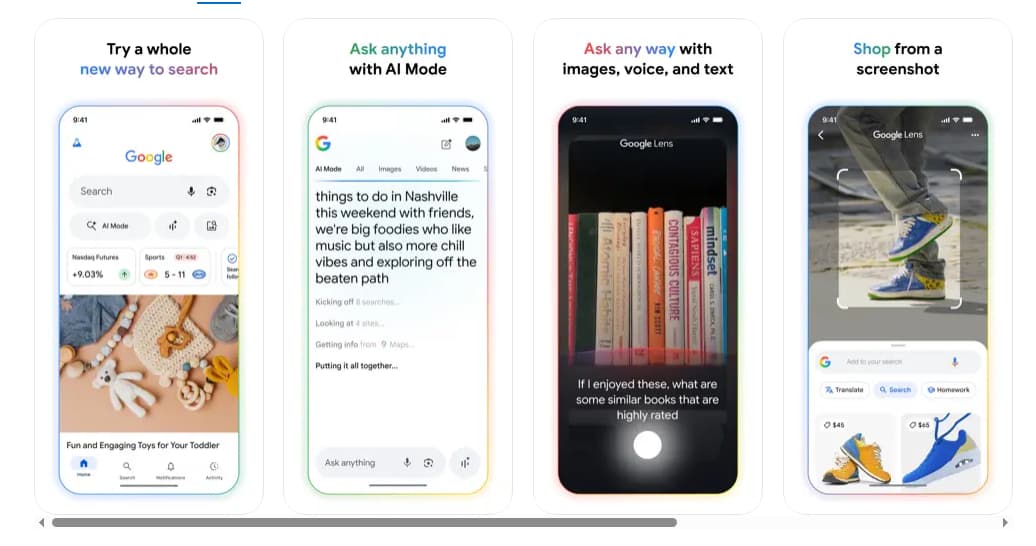
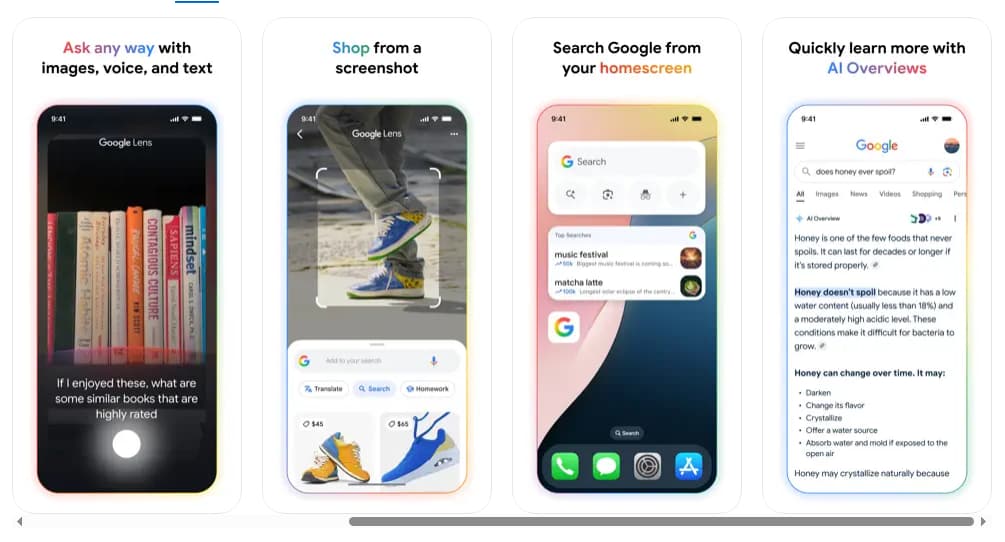
AI Overviews is one of the app’s most exciting innovations. Instead of scrolling endlessly through websites, the app provides a quick snapshot of information gathered from reliable sources across the web. It’s designed to save time and give you relevant context in just a glance. Whether you are researching a product, looking up historical facts, or exploring a complex topic, AI Overviews delivers concise, helpful answers supported by useful links.
Circle to Search
Available on select premium Android devices, Circle to Search transforms the way you interact with your phone. Simply circle, highlight, scribble, or tap on text, images, or videos on your screen to launch an instant search. This feature eliminates the need to switch apps and makes your browsing experience seamless.
Google Lens
Google Lens takes search to another level. Instead of typing what you see, you can use your phone’s camera to identify objects, scan barcodes, translate text, or even solve homework problems. Some of its standout abilities include:
-
Translating text in over 100 languages.
-
Identifying plants, animals, and landmarks.
-
Finding exact or similar products when shopping.
-
Scanning QR codes with ease.
-
Conducting reverse image searches to track down sources and related information.
For anyone who learns visually or needs quick on-the-go answers, Lens is a must-have.
Hum to Search
If you have ever had a song stuck in your head but couldn’t recall the lyrics, Hum to Search is a game-changer. Simply hum or sing the melody, and the app will identify the track for you. It’s like having a built-in music detective right in your pocket.
Discover Feed
The Discover feature ensures you’re always updated with topics that matter most to you. This personalized stream of content adapts to your interests, whether it’s world news, sports, movies, or hobbies. With Discover, you can:
-
Start your day with the latest weather updates.
-
Get real-time scores from ongoing matches.
-
Keep up with your favorite artists’ releases.
-
Follow trending topics directly from search results.
It’s a way to stay informed without having to look for information yourself.
Google Search Widget
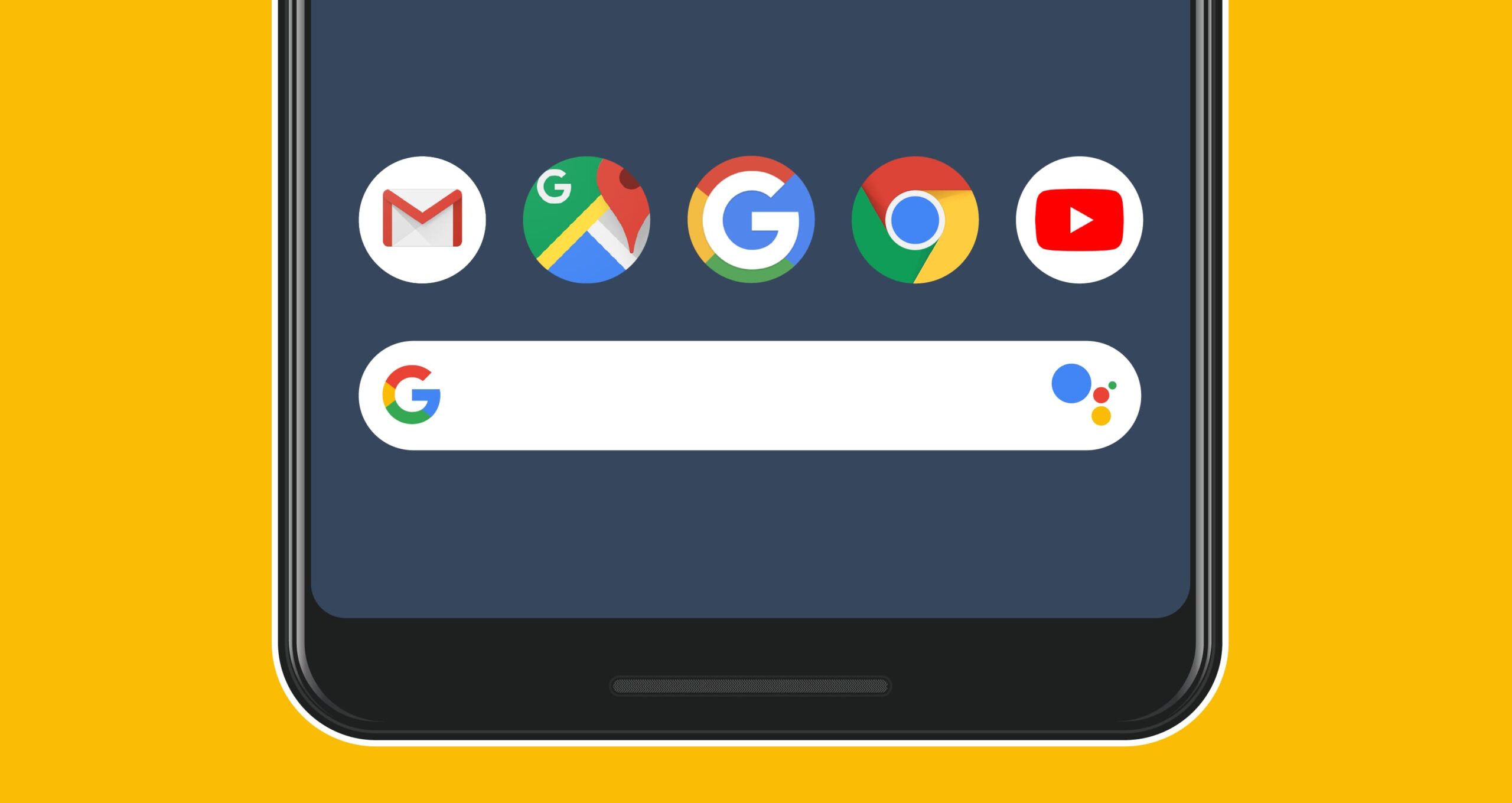
For those who like quick access, the Google Search Widget lets you search right from your home screen. With just a tap, you can use text, voice, or Lens without even opening the app.
Key Features of the Google App
Advantages of Using the Google App
-
All-in-one search hub: Unlike traditional search, the Google app integrates text, voice, camera, and AI-powered tools to deliver richer results.
-
Time-saving: AI Overviews and Circle to Search cut down the time spent browsing.
-
Personalized experience: Discover ensures you see what’s relevant to your interests.
-
Versatile tools: From music recognition to translation, the app is more than just a search bar.
-
Security and privacy: Searches are encrypted, and you can easily manage your history and privacy settings.
Advantages of Using the Google App
Security and Privacy
Google understands that trust is critical. That’s why all searches within the app are encrypted, keeping your connection secure. Privacy controls are simple to access: just tap your profile picture to delete recent search history or adjust settings. The app also filters out spammy or unsafe websites, ensuring higher-quality results.
How to Use the Google App
Getting started with Google is simple. Once you download and install the app on your device, follow these steps:
-
Open the app: Tap the Google icon on your phone.
-
Sign in with your Google account: This will sync your preferences, history, and personalization across devices.
-
Explore search options: Try typing, using your voice, or opening your camera to begin your first search.
-
Customize Discover: Scroll down to see suggested news, sports, or entertainment content tailored to you.
-
Try advanced features: Experiment with Lens, Hum to Search, or AI Overviews to experience the app’s full capabilities.
If you prefer, you can also use the app without signing in, but logging in enhances personalization and syncs your data across multiple devices.
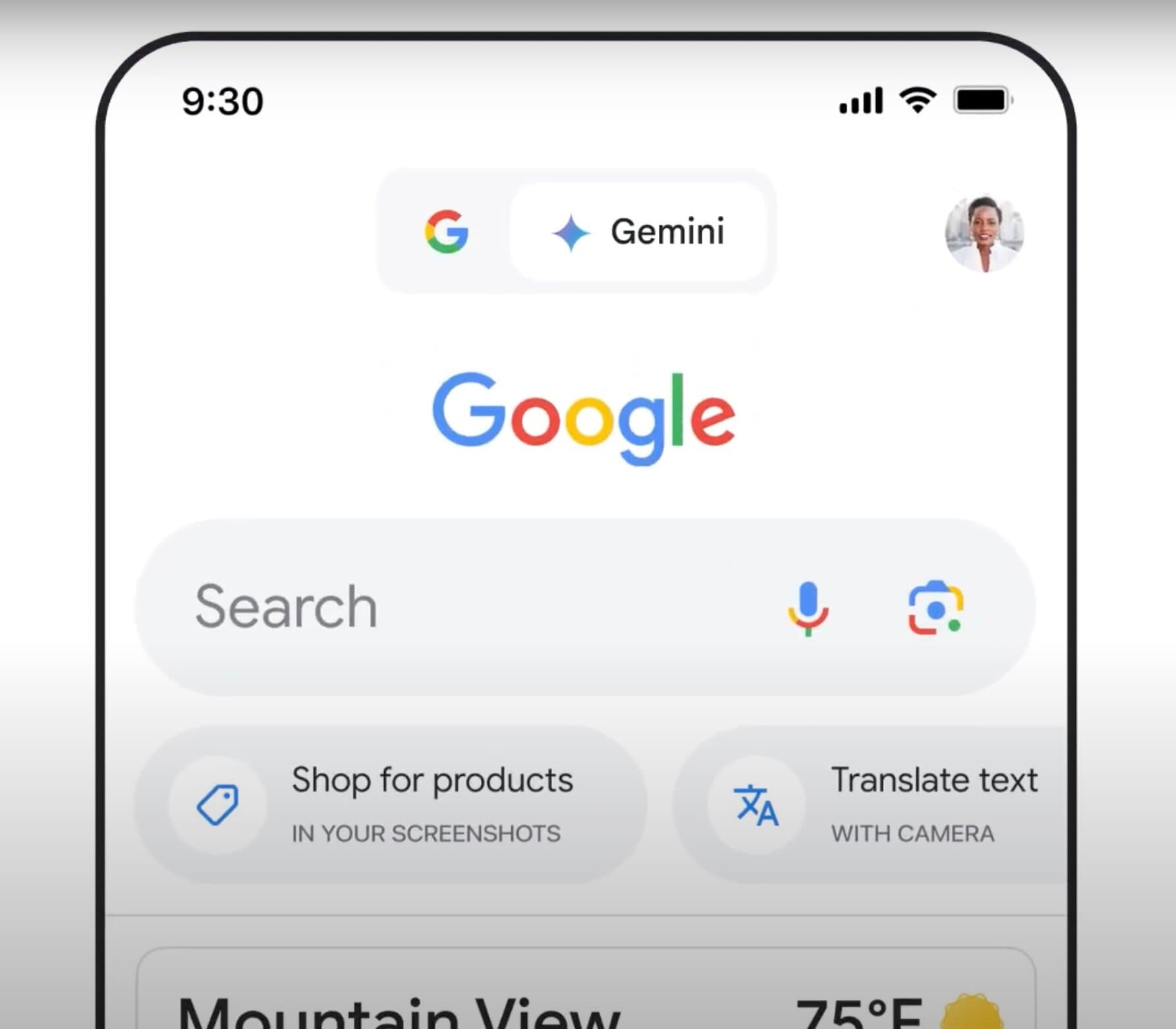
How to Use the Google App
Why Choose the Google App Over Alternatives?
While many apps offer specific tools like translation, music identification, or image recognition, the Google app combines all of these into one platform. This integration not only saves space on your phone but also ensures a seamless user experience. Instead of switching between multiple apps, you can simply open Google and access everything you need.
Additionally, the power of Google’s search engine and AI means you’re getting fast, accurate, and reliable results backed by one of the world’s leading technology companies.
The Google app is more than just a search engine—it’s a versatile companion that enhances the way you interact with information daily. With features like AI Overviews, Circle to Search, Lens, and Discover, it goes beyond answering questions to offering solutions, personalization, and real-time updates.
Whether you want to hum a tune to find a song, translate text instantly, or discover the latest news, Google makes it possible with just a few taps. It combines convenience, intelligence, and security into one app that fits seamlessly into your lifestyle. If you’re looking for an all-in-one tool to explore, learn, and stay connected, the Google app is the smart choice.









