Introduction to GMX Mail & Cloud
In today’s fast-paced digital world, email remains one of the most essential communication tools for both personal and professional life. Users no longer want to be tied to a desktop computer just to stay updated. They expect flexibility, security, and ease of use wherever they go. This is exactly where GMX Mail & Cloud stands out as a reliable and modern solution.
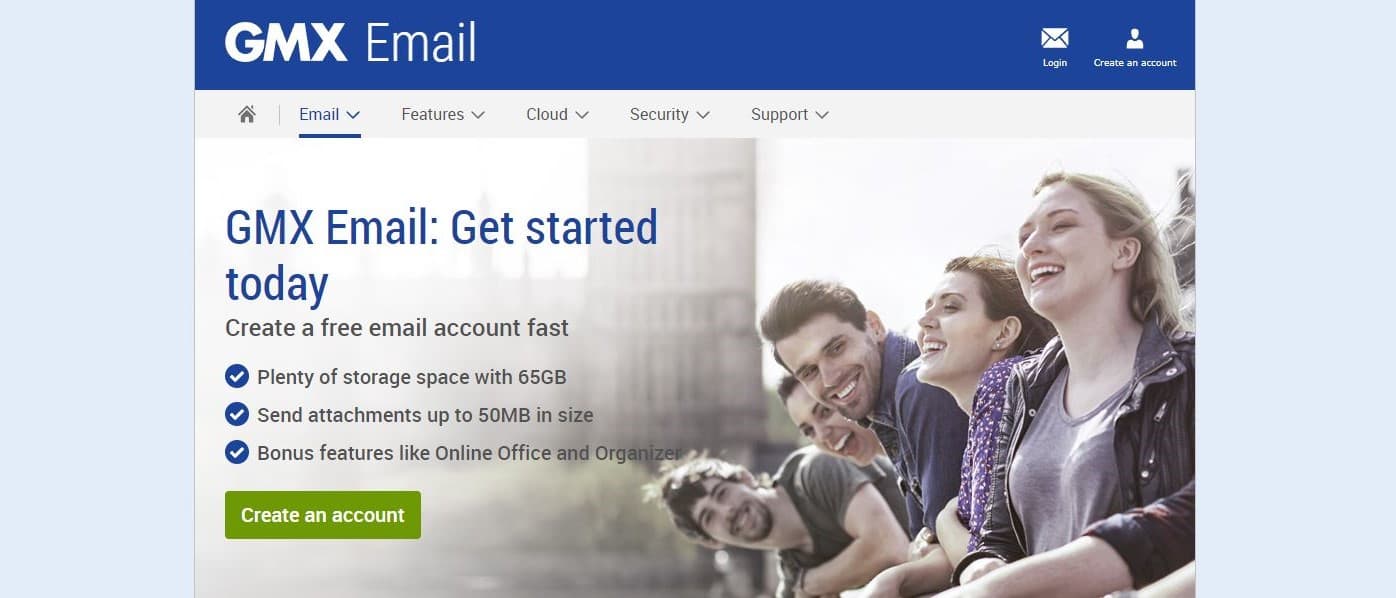
GMX is a powerful all-in-one email application designed to give users complete control over their inbox from any Android device. Built on the trusted GMX webmail platform, the app delivers the same familiar features while enhancing mobility and convenience. With GMX, users can send, receive, organize, and secure their emails effortlessly, whether they are commuting, traveling, or working remotely.
What makes GMX especially appealing is its focus on simplicity without sacrificing functionality. From intuitive navigation to advanced security options, GMX is crafted for users who value efficiency and peace of mind. By downloading GMX, users gain access to a flexible email experience that adapts to their lifestyle and communication needs.
Introduction to GMX Mail & Cloud
Core Features That Make GMX Stand Out
GMX offers a wide range of features designed to enhance productivity while maintaining a clean and user-friendly experience. Each function is carefully optimized to ensure smooth performance across Android devices.
Seamless Email Access Anytime and Anywhere
GMX allows users to access their email accounts whenever they need, without limitations. Once installed, the app provides instant entry to the inbox, sent items, drafts, and folders. This ensures that important messages are never missed, even when users are away from their computers.
The app is optimized for mobile usage, making reading and responding to emails quick and effortless. With just a few taps, users can reply to messages, forward emails, or manage conversations efficiently. GMX eliminates unnecessary steps and focuses on fast, reliable access.
Intelligent Push Notifications with Battery Efficiency
One of the most valuable features of GMX is its intelligent push notification system. Users receive real-time alerts for incoming emails without needing to keep the app open. This feature ensures timely communication while conserving battery life.
GMX is specifically designed to minimize power consumption, making it suitable for users who rely heavily on mobile email throughout the day. Notifications can also be customized, allowing users to stay informed without feeling overwhelmed.
User-Friendly Design and Customization Options
Ease of use is at the heart of the GMX Mail & Cloud experience. The app is built with a clean interface that feels intuitive from the first launch.
Simple Navigation and Gesture Control
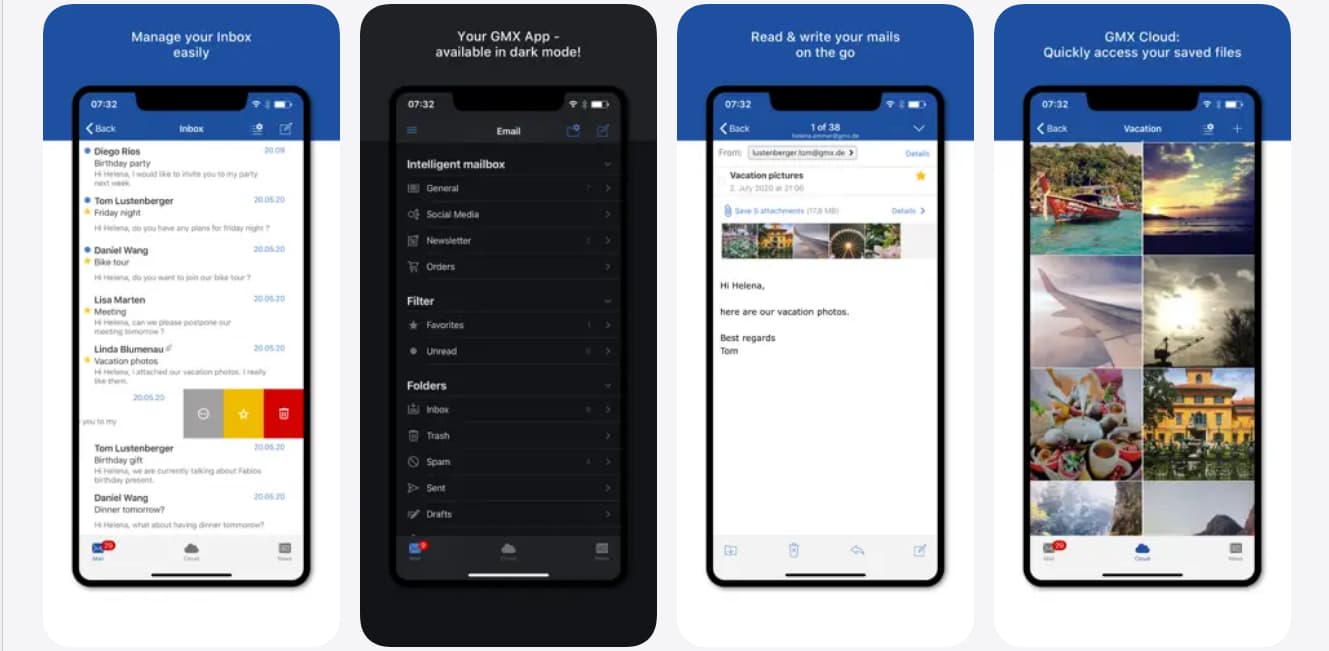
Navigating through GMX is straightforward, even for users who are new to mobile email applications. Swiping gestures allow users to manage messages quickly, whether they want to delete, archive, or move emails to folders.
The inbox, address book, and additional folders are always easily accessible. This structure ensures that users spend less time searching and more time communicating. GMX focuses on clarity and efficiency rather than unnecessary complexity.
Personalized Email Experience
GMX recognizes that every user has unique preferences when it comes to managing email. The app offers multiple customization options, allowing users to tailor their experience according to their needs.
Users can adjust notification styles, choose vibration alerts for a quieter experience, and modify how emails are displayed. These personalization features help create a comfortable and distraction-free email environment, making GMX suitable for both work and personal use.
User-Friendly Design and Customization Options
Secure Email Management with GMX
Security is a critical concern in modern digital communication, and GMX takes this responsibility seriously. The app integrates strong security measures to protect user data and privacy.
PIN Protection for Enhanced Privacy
GMX includes a built-in PIN protection mode that adds an extra layer of security to the app. This ensures that only authorized users can access the inbox, even if the device is lost or shared.
With this feature enabled, users can feel confident that their personal and professional communications remain private. GMX prioritizes user trust by making security features both effective and easy to use.
Safe Handling of Attachments and Data
Reading and saving attachments is simple and secure with GMX. Users can download files directly to their device and access them later without complications. The app ensures that attachments are handled safely, reducing risks associated with unknown or harmful files. This secure approach makes GMX a dependable choice for users who frequently exchange documents, images, or important information via email.
How to Use GMX Mail & Cloud Effectively
Getting started with GMX is a smooth and straightforward process. The app is designed to be installed and configured within minutes, even for users with minimal technical experience.
Installing and Setting Up GMX
To begin using GMX, users simply download the app from the Android app store and follow the on-screen setup instructions. Once installed, they can log in using their existing GMX account details.
After signing in, the app automatically syncs emails, folders, and contacts. This seamless setup process ensures that users can start managing their inbox immediately without complicated configurations.
Managing Multiple Email Accounts in One Place
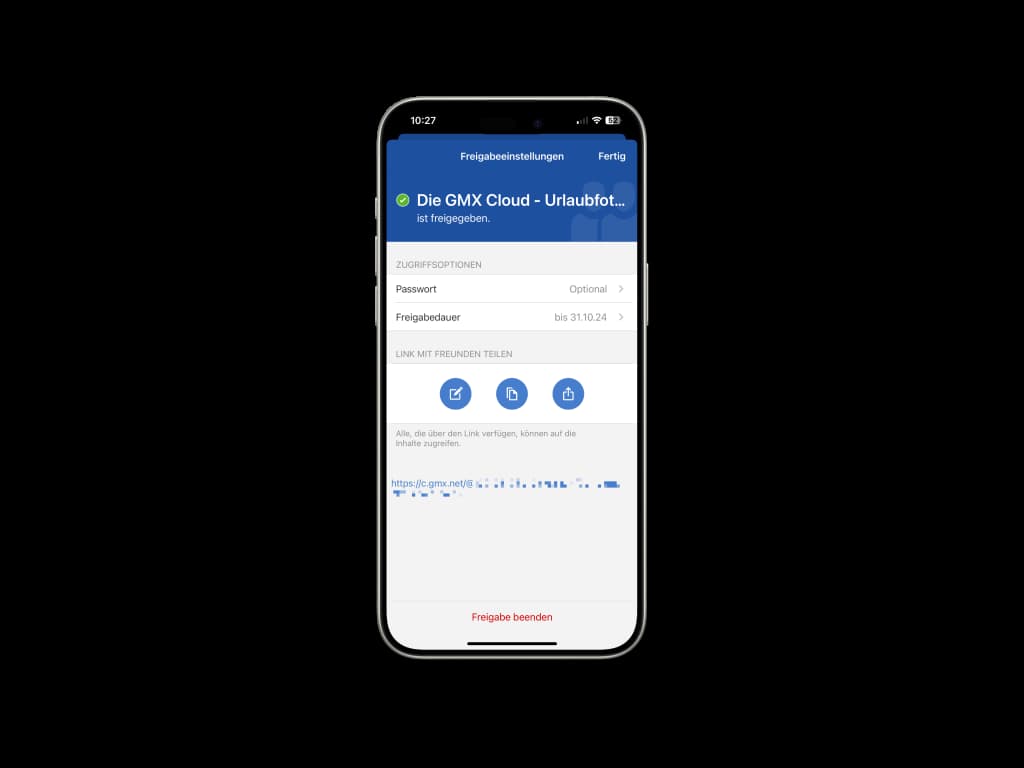
GMX supports the collection of multiple email accounts in one unified interface. This feature is especially useful for users who manage personal and professional emails separately.
By consolidating accounts, GMX reduces the need to switch between apps, saving time and improving productivity. All messages can be viewed and organized from a single dashboard, making email management more efficient.
How to Use GMX Mail & Cloud Effectively
Why GMX Is the Right Choice for Modern Users
GMX is more than just an email app; it is a complete communication solution designed for mobility, security, and convenience. Its balance between simplicity and advanced functionality makes it suitable for a wide range of users.
The app adapts to different lifestyles, whether users are professionals handling daily correspondence or individuals staying connected with friends and family. GMX provides the flexibility needed to keep up with communication demands in a fast-moving world.
With reliable performance, strong security, and user-focused design, GMX continues to be a trusted choice for mobile email management. The app delivers a smooth experience without unnecessary distractions or complexity.
Choosing the right email app can significantly impact daily productivity and communication efficiency. GMX offers a powerful yet accessible solution that meets modern expectations for mobile email usage. By downloading GMX, users gain the freedom to manage emails anytime and anywhere, without compromising security or ease of use. The app combines trusted webmail features with mobile optimization, creating a seamless experience across devices. For anyone looking to simplify email management while staying connected on the go, GMX Mail & Cloud is a smart and reliable choice. Download GMX today and experience email designed for everyday life.