In today’s fast-paced world, staying organized is more important than ever. Whether you’re a busy professional, a student managing assignments, or someone juggling multiple responsibilities, having a reliable tool to track your events and tasks can make a significant difference. This is where Samsung Calendar steps in as a powerful, user-friendly app designed to simplify the way you manage your daily schedule.
Samsung Calendar is more than just a standard calendar application. It is a versatile tool that not only helps you keep track of important dates but also allows you to customize your experience with a variety of features and widgets. The app is designed to provide a seamless experience, enabling you to create events and tasks quickly and effortlessly. The moment you tap a date, a new event can begin, making the process of scheduling intuitive and time-efficient.
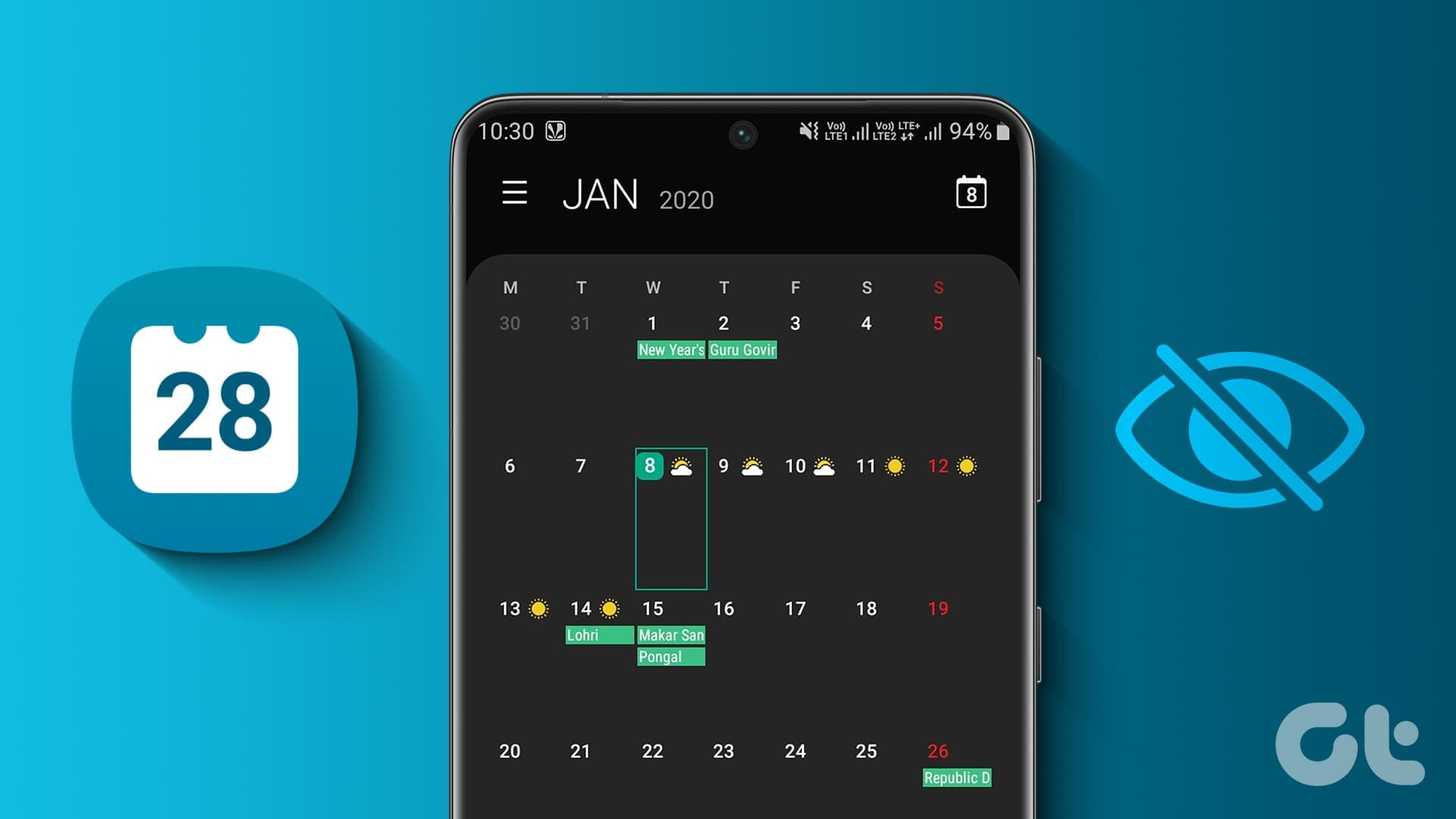
Organize Your Life Effortlessly with Samsung Calendar
Key Features of Samsung Calendar
One of the primary strengths of Samsung Calendar is its rich set of features, which are designed to help you manage your schedule with ease. Here’s a closer look at what makes this app stand out:
1. Manage Multiple Calendars
Samsung Calendar allows you to manage all your schedules at a glance by adding various calendars, including Google Calendar. This feature ensures that all your commitments are consolidated in one place, avoiding the need to switch between different apps to track events. By centralizing your schedules, you can effortlessly plan your days and avoid missing important tasks.
2. Color-Coded Events
Keeping track of multiple events can become overwhelming, but Samsung Calendar simplifies this by allowing you to assign color codes to events in each calendar. Whether it’s work meetings, personal appointments, or family events, using different colors provides a visual cue that makes your schedule easy to navigate at a glance.
3. Flexible Views
Understanding your schedule requires flexibility, and Samsung Calendar offers a variety of display options including year, month, week, day, and task views. Whether you want a broad overview of your year or a detailed breakdown of your daily tasks, these options ensure you can customize your experience to suit your needs.
4. Weekly Weather Information
Planning events often depends on the weather. Samsung Calendar provides weekly weather updates directly within the app, allowing you to make informed decisions when scheduling outdoor activities, meetings, or travel plans. This integration saves you the trouble of checking separate weather apps.
5. Recurring Events and Time Zones
For events that repeat regularly, Samsung Calendar allows you to set patterns of recurrence and specify time zones. This is especially helpful for professionals managing international meetings or anyone with recurring personal events. By automating these schedules, you reduce the risk of overlooking important dates.
6. Customizable Widgets
Samsung Calendar offers several types of widgets with adjustable transparency, which can be placed on your home screen. These widgets not only make your device look aesthetically pleasing but also give you quick access to your upcoming events without opening the app. A neat, transparent widget can transform your home screen into an organized and visually appealing schedule dashboard.
7. Smooth Navigation
Navigating through your schedule is simple with Samsung Calendar. You can switch from one day, week, month, or year to the next with a simple horizontal swipe. This intuitive design ensures that managing your calendar is both efficient and enjoyable.
8. Event Notifications
Never miss an important meeting or appointment with Samsung Calendar’s robust notification system. You can set up various types of notifications for events, ensuring that you receive timely reminders and stay on top of your schedule.
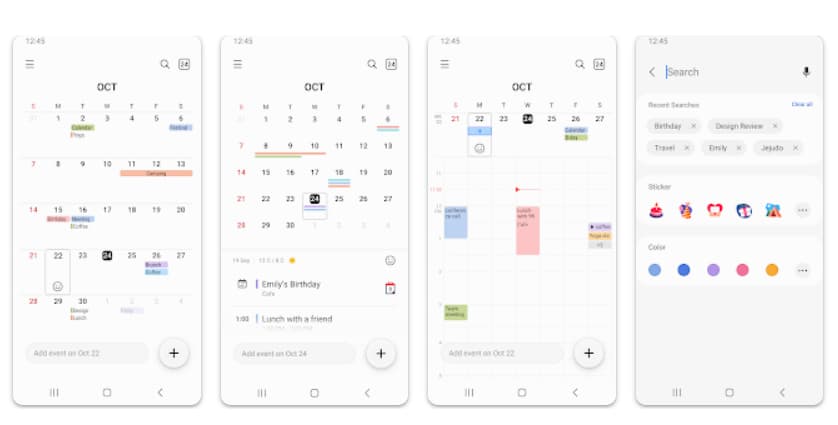
Key Features of Samsung Calendar
How to Use Samsung Calendar
Getting started with Samsung Calendar is straightforward. Once installed, the app guides you through creating your first event. You can tap any date to start, then enter details such as event title, time, location, and attendees. If you wish, you can also attach files, add notes, or link the event to contacts from your phone.
Creating Tasks and Events
Creating a task or event takes just a few steps:
-
Tap on the date you want to add an event.
-
Enter the title and details of the event.
-
Set the start and end time.
-
If necessary, assign a color code for easy identification.
-
Choose a recurrence pattern if the event repeats.
-
Enable notifications to ensure timely reminders.
Using Widgets
Widgets are a key feature of Samsung Calendar that enhance accessibility. You can choose from multiple widget types and place them on your home screen with adjustable transparency. These widgets display your upcoming events at a glance, making it easy to stay organized without opening the app repeatedly.
Synchronizing Calendars
To get the most out of Samsung Calendar, you can link it with other calendars, such as Google Calendar. This allows all your schedules to be visible in one app, providing a comprehensive view of your day-to-day activities.
Event Invitations and Attachments
Samsung Calendar also integrates with your contacts, making it easy to invite attendees to events or track birthdays. You can attach photos, videos, or documents to any event, ensuring that all necessary information is available in one place. Additionally, location information can be saved for each event, helping you navigate directly to your appointments.
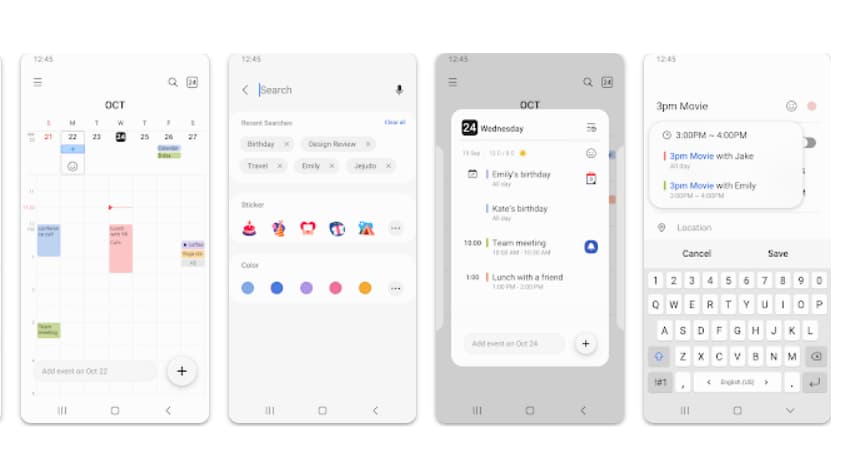
How to Use Samsung Calendar
Advantages of Samsung Calendar
There are several advantages to using Samsung Calendar that make it stand out from other calendar apps:
-
User-Friendly Interface: The app is designed with simplicity in mind, making it easy to navigate for users of all ages.
-
Comprehensive Features: From event creation to notifications, widgets, and weather updates, Samsung Calendar provides everything you need to stay organized.
-
Customization Options: Color-coded events, adjustable widgets, and multiple calendar integrations allow for a highly personalized experience.
-
Efficient Scheduling: Recurring events, time zone settings, and calendar synchronization ensure your schedule is accurate and up-to-date.
-
Accessibility: Widgets and intuitive navigation provide quick access to your events without unnecessary steps.
Permissions and Security
Samsung Calendar requires specific permissions to function effectively:
Required Permissions
-
Calendar: Add and check schedules.
-
Notification: Notify you of upcoming events.
Optional Permissions
-
Contacts: Invite attendees or display contact birthdays.
-
Location: Save location information for events.
-
Photos and Videos: Attach files to events.
It is important to note that if your device runs a system version lower than Android 6.0, you may need to update your software to configure app permissions properly. Permissions that were previously allowed can also be reset in your device settings after a software update.
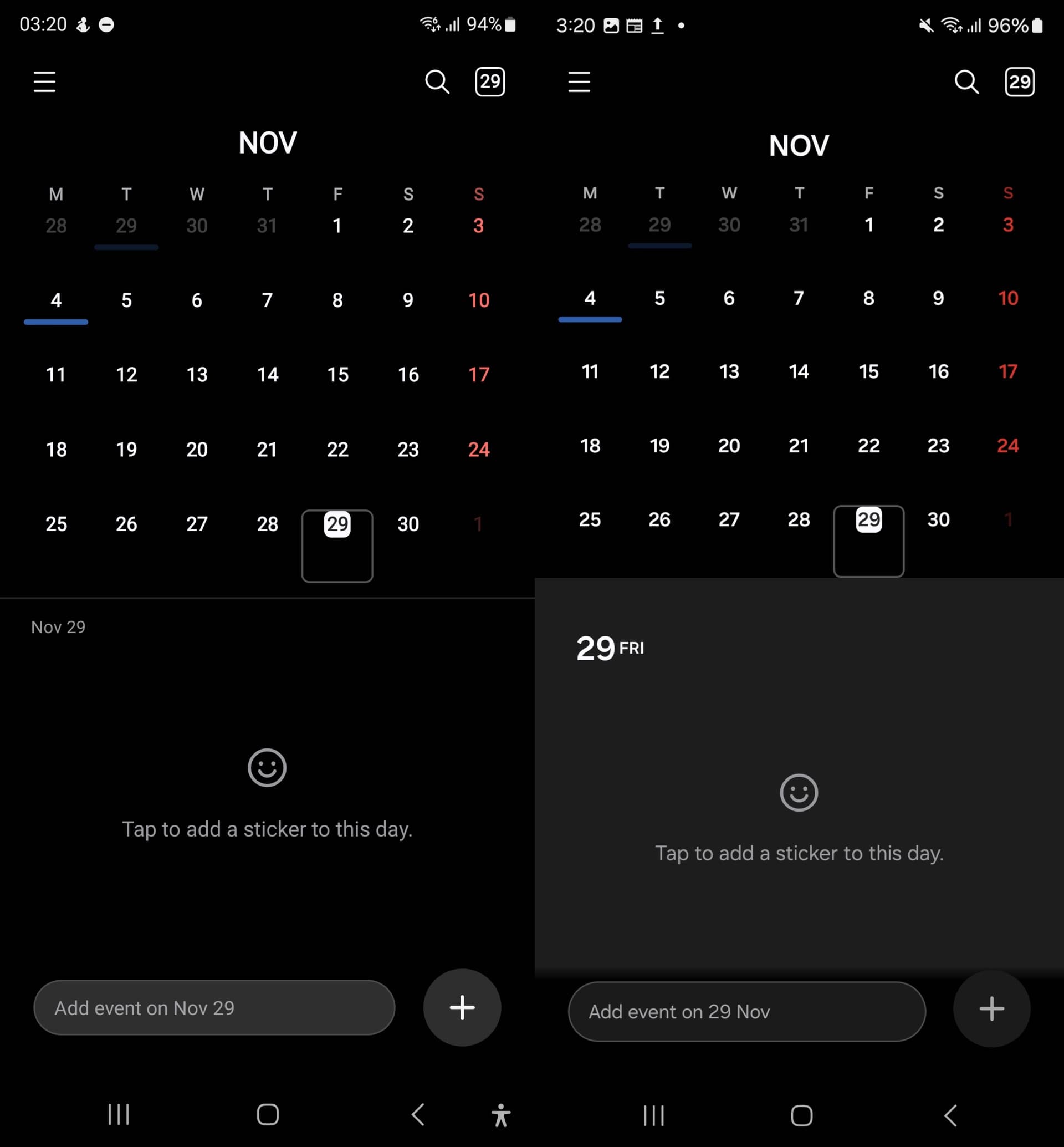
Permissions and Security
Tips for Maximizing Productivity with Samsung Calendar
To get the most out of Samsung Calendar, consider these tips:
-
Use color-coded events to differentiate between personal, professional, and social commitments.
-
Set multiple notifications for important events to ensure you never miss deadlines.
-
Experiment with widgets on your home screen to keep your schedule visible at all times.
-
Integrate other calendars for a unified view of all your commitments.
-
Take advantage of recurring events for meetings, workouts, or weekly tasks to reduce manual input.
Samsung Calendar is a comprehensive tool that goes beyond simple scheduling. Its intuitive design, wide range of features, and customization options make it an essential app for anyone looking to stay organized and efficient. By combining event management, task creation, notifications, widgets, and calendar integration, Samsung Calendar provides a complete solution for modern life management.
Whether you want to track work meetings, personal appointments, family events, or fitness routines, Samsung Calendar makes it easier than ever to manage your time effectively. With its clean interface and powerful functionality, it’s no wonder that users rely on Samsung Calendar to keep their lives organized and on track.
Download Samsung Calendar today and experience a smarter, more organized approach to managing your day. Transform the way you plan, schedule, and remember your important events with one reliable app. Your schedule has never been easier to manage.