

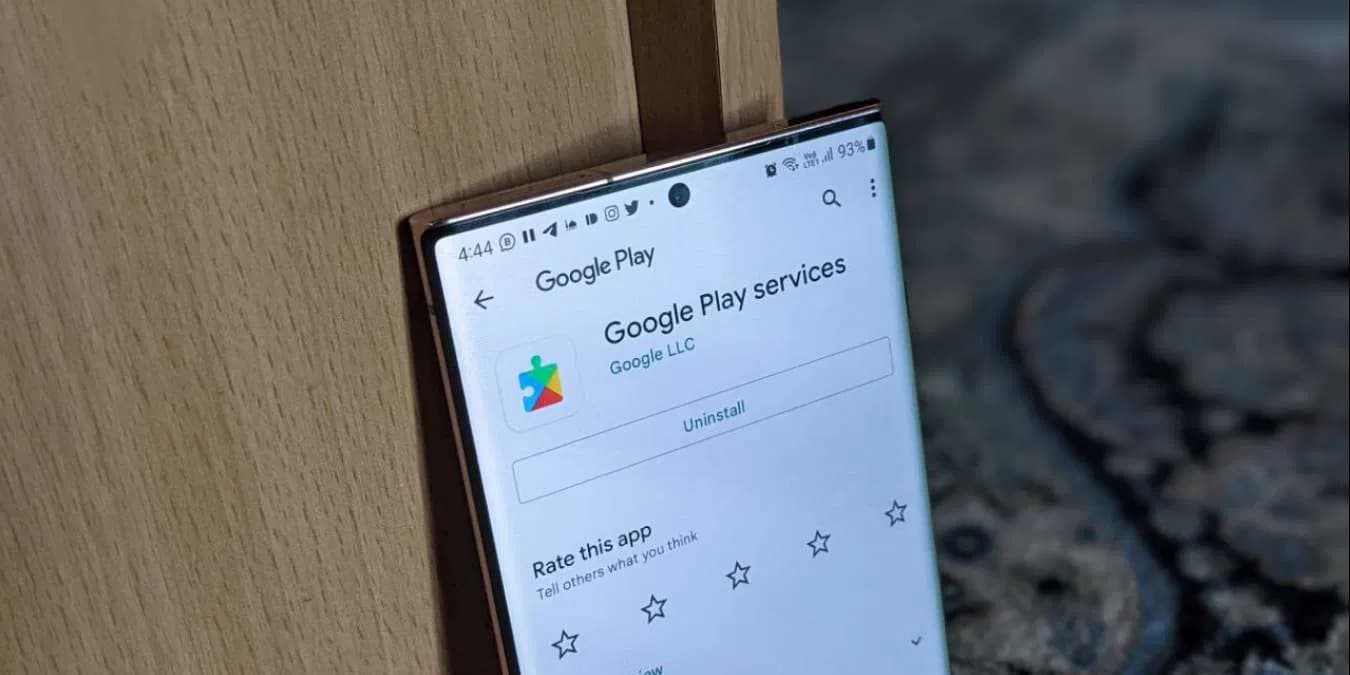
If you are using an Android smartphone or tablet, chances are you have come across the term Google Play services. Despite the name, it is not a traditional app you can open and use directly like Gmail, YouTube, or Google Maps. Instead, Google Play services works quietly in the background, powering essential features that make your Android device smarter, safer, and more efficient.
At its core, Google Play services acts as a bridge between your Android operating system and the apps installed on your device. It provides the APIs (application programming interfaces) and background services that developers need to integrate Google’s powerful features—such as maps, sign-in, cloud sync, location tracking, and push notifications—into their apps. Without it, many apps you rely on every day simply would not function properly.
What is Google Play services?
Google Play services is a system component developed by Google that runs in the background of most Android devices. While it is invisible to the average user, it plays a critical role in ensuring app stability, providing access to the latest security features, and enabling smooth integration with Google’s ecosystem.
Unlike regular apps that you update manually, Google Play services updates itself automatically through the Play Store. This means you always receive the latest features, bug fixes, and security patches without waiting for a full Android operating system update from your phone manufacturer.
What is Google Play services?
Key Features of Google Play services
Even though you cannot “open” Google Play services like a normal app, it supports countless functions across Android devices. Here are the most important features:
1. Google Account Authentication
Google Play services allows apps to authenticate your Google account seamlessly. This makes signing in faster and more secure, enabling features like single sign-on across multiple apps. For example, logging in with your Google account in an app becomes effortless because Play services handles the verification behind the scenes.
2. Location Services
Many apps rely on precise location data. Google Play services provides advanced location APIs that allow apps like Google Maps, ride-hailing services, and fitness trackers to pinpoint your location with greater accuracy and less battery drain than GPS alone.
3. Push Notifications
If you receive real-time alerts from apps such as Gmail, WhatsApp, or social media platforms, you can thank Google Play services. It enables apps to send and receive push notifications efficiently, ensuring that important updates reach you instantly.
4. Google Maps Integration
Google Play services provides APIs for developers to integrate Google Maps directly into apps. This allows services like delivery tracking, navigation apps, and travel platforms to offer interactive maps without building their own mapping system from scratch.
5. Security and Updates
One of the most important functions of Google Play services is delivering security enhancements. It enables Google to push out updates for core functions such as malware detection, Safe Browsing, and app verification, ensuring your device remains protected even without a full system upgrade.
6. RCS Messaging Support
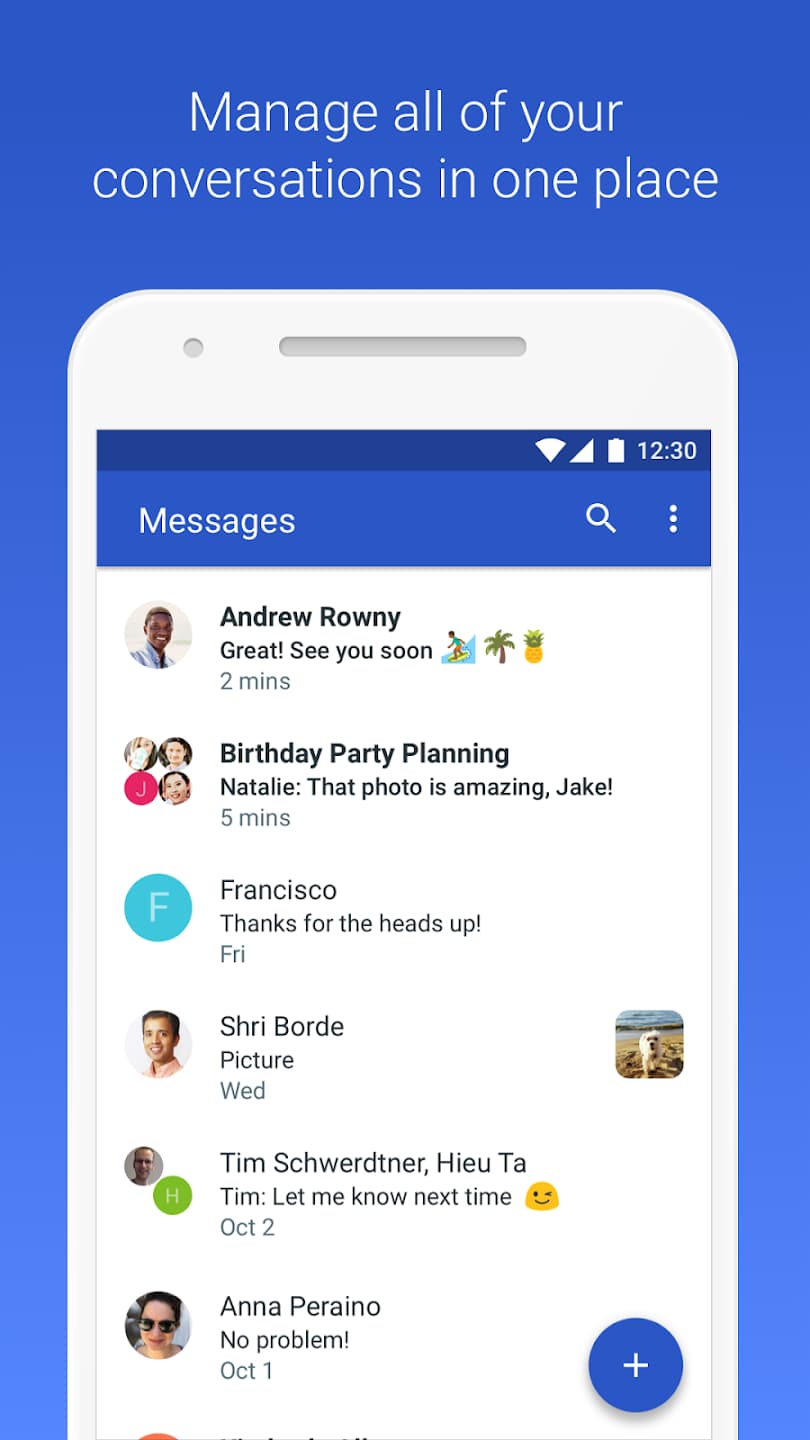
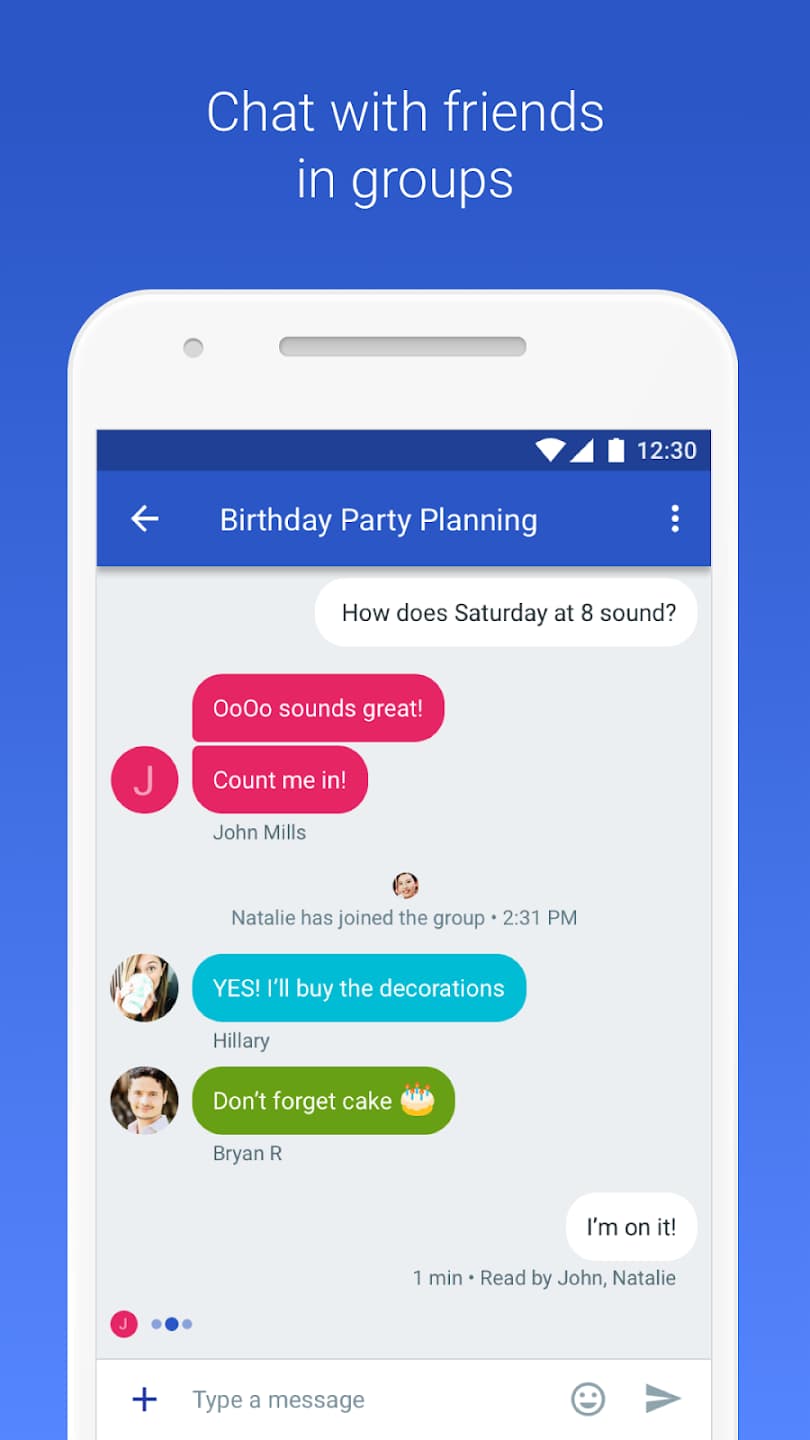
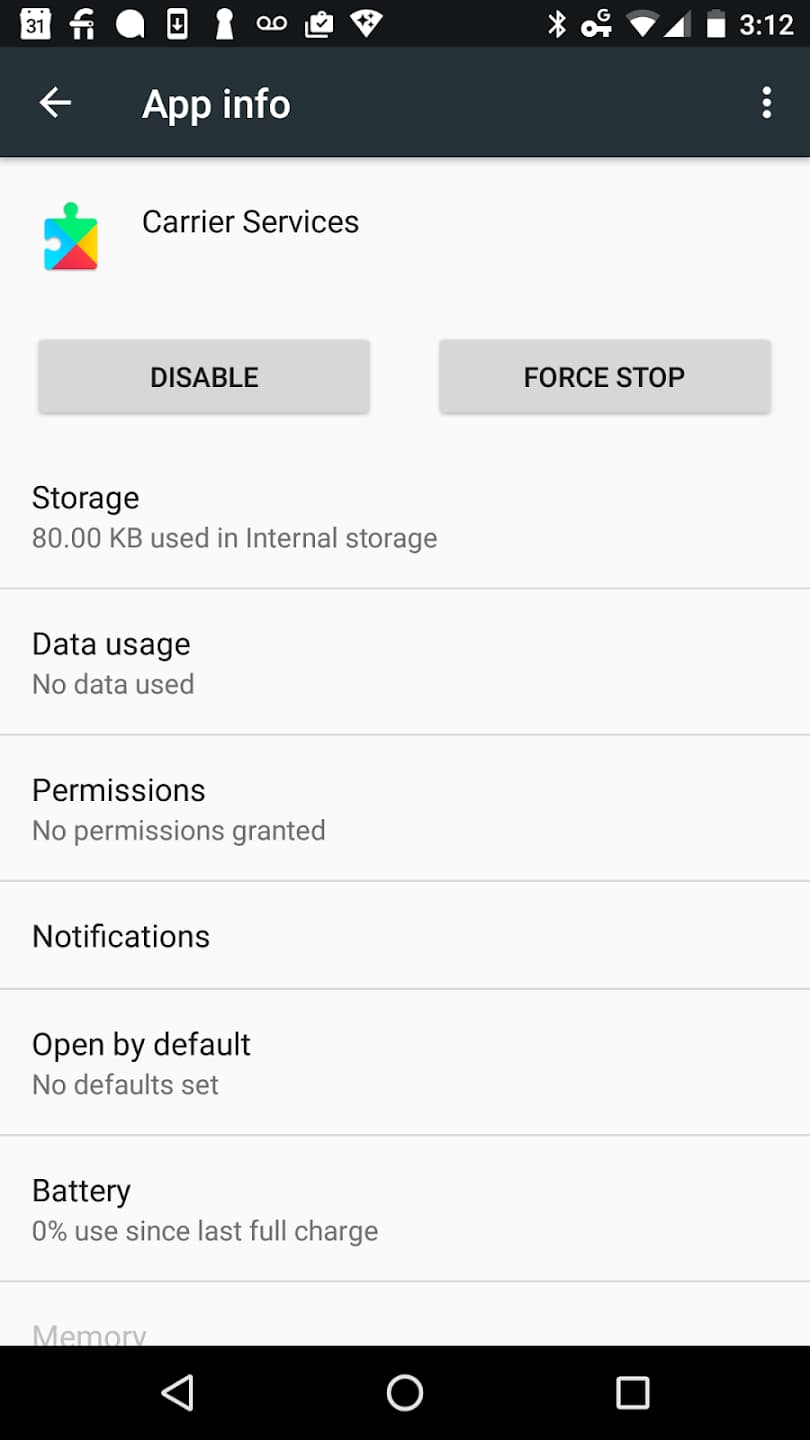
Carrier Services, a component supported by Google Play services, powers RCS (Rich Communication Services) messaging in the Google Messages app. RCS upgrades traditional SMS and MMS by adding features such as typing indicators, read receipts, group chats, and the ability to share large media files. Google Play services ensures that RCS functions smoothly while collecting diagnostic data to improve reliability.
7. Offline Functionality and Sync
Google Play services also improves offline app functionality by managing background sync with Google Drive, Photos, and other cloud services. This means your data is automatically updated and ready whenever you reconnect to the internet.
Key Features of Google Play services
Benefits of Google Play services
Seamless User Experience
Google Play services ensures apps on your device can access the latest Google features without requiring constant updates from developers. This leads to a smoother, more consistent experience across apps.
Faster Updates Without OS Upgrades
In the past, users had to wait for full Android system updates to enjoy new features. Now, thanks to Google Play services, many improvements arrive automatically, independent of your phone manufacturer’s update schedule.
Enhanced Security
Since Google Play services delivers security patches and malware detection tools directly from Google, your device stays safer against emerging threats. It provides an extra layer of protection even if your operating system is out of date.
Developer-Friendly Tools
For developers, Google Play services reduces complexity by providing ready-made tools such as Maps, location tracking, and account sign-in. This speeds up app development and ensures users get consistent performance across devices.
Better Messaging Experience
Through its support of RCS in the Messages app, Google Play services helps modernize texting. With enhanced features similar to instant messaging platforms, users get a richer, more interactive communication experience.
Benefits of Google Play services
How to Use Google Play services
Although you cannot directly launch Google Play services like a traditional app, you can manage it and ensure it functions correctly on your device.
Checking Google Play services
Go to Settings > Apps > Google Play services on your Android device. From there, you can see information such as storage usage, permissions, and battery consumption.
Updating Google Play services
Normally, updates happen automatically. However, if you notice apps crashing or notifications not working, you can manually update Google Play services through the Play Store by searching for it and tapping “Update.”
Clearing Cache and Data
If you experience issues, clearing the cache or data of Google Play services often helps. This can be done under Settings > Apps > Google Play services > Storage.
Managing Permissions
Google Play services requires certain permissions such as access to location, contacts, and SMS to function properly. You can review and adjust these under the app permissions settings of your device.

How to Use Google Play services
Is Google Play services Safe?
Yes. Google Play services is developed and maintained by Google, making it a trusted system component. While it does collect some diagnostic and crash data to improve performance, this is a standard practice in the tech industry. Its main purpose is to ensure apps run smoothly and securely.
Without Google Play services, many apps on your device would lose critical functionality. For example, you might not receive timely notifications, your location services could be less accurate, and apps requiring Google sign-in might not work.
Is Google Play services Safe?
Tips for Smooth Usage
-
Always keep Google Play services updated for the latest security patches and features.
-
Avoid disabling it, as many apps rely on its background processes.
-
If your device reports high battery usage from Google Play services, restart your phone or clear its cache to fix the issue.
-
Remember that Play services does not consume much storage or performance resources—it is optimized to run efficiently in the background.
Google Play services may not be the app you open every day, but it is the invisible force that keeps your Android ecosystem running smoothly. From enabling push notifications and location tracking to enhancing messaging with RCS and keeping your device secure, it is an essential component of the Android experience.
By keeping it updated and understanding its role, you can ensure your smartphone operates at its best. The next time you receive a timely notification, enjoy seamless sign-in with your Google account, or use interactive maps within an app, remember that Google Play services is working quietly in the background to make it possible.









